VR arcade software features: control Quest and Pico headsets from a tablet

What UnitVR can do

Control your VR headsets from a tablet, laptop or PC: the core of the platform — no configuration talk, just what it does for your venue.

01 🖥

Operator panel

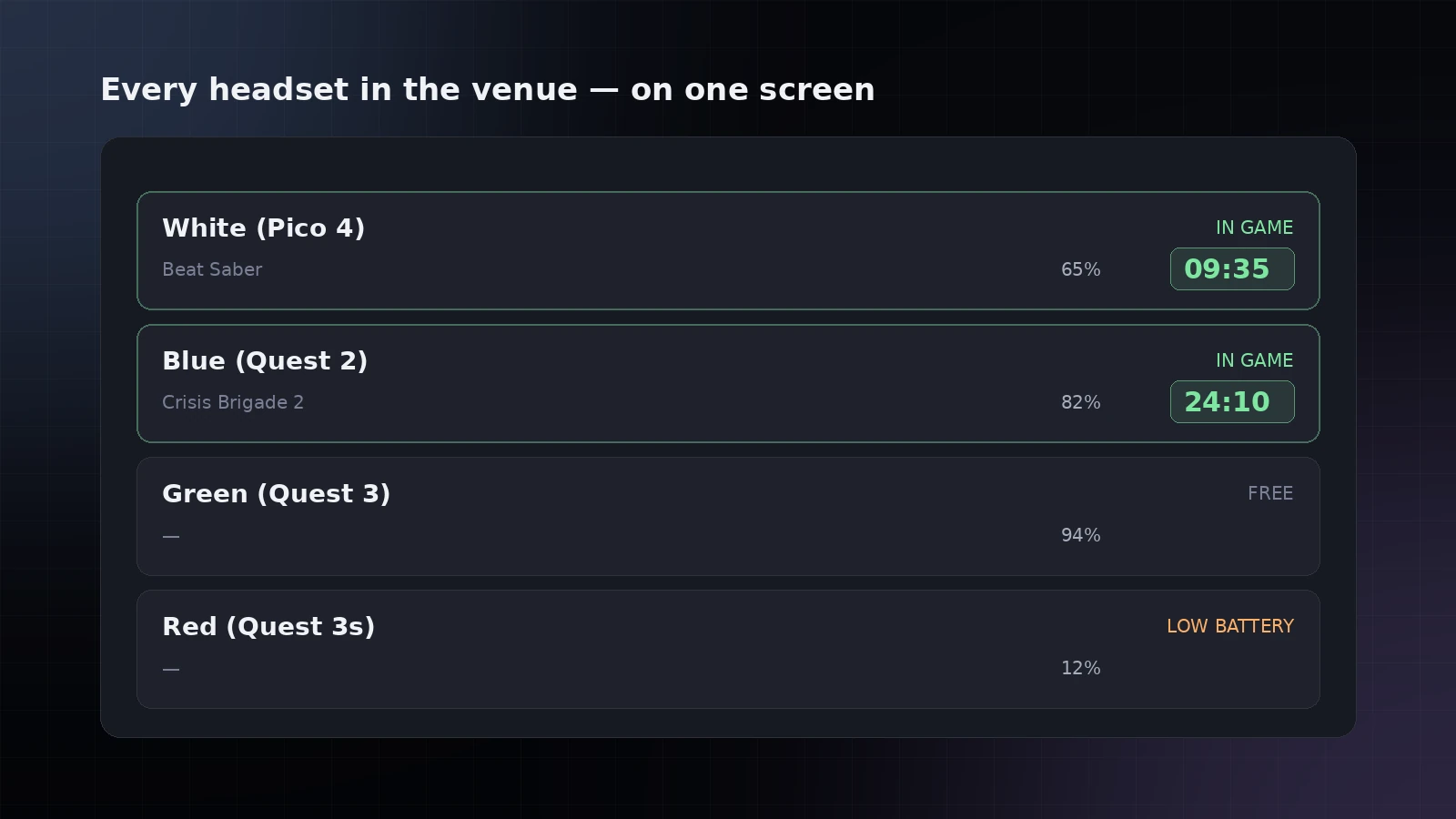
Control your VR headsets from one screen: which headset is free, which is busy, how long is left in each session. Nobody has to walk over to a headset to find out what is going on.

Operator panel
02 🥽

Status of every headset

Battery, signal strength, busy or free — visible at a glance, without walking into the hall. Headsets that need attention are called out separately: flat battery, lost connection or frozen.

Status of every headset
03 🎟

Session length

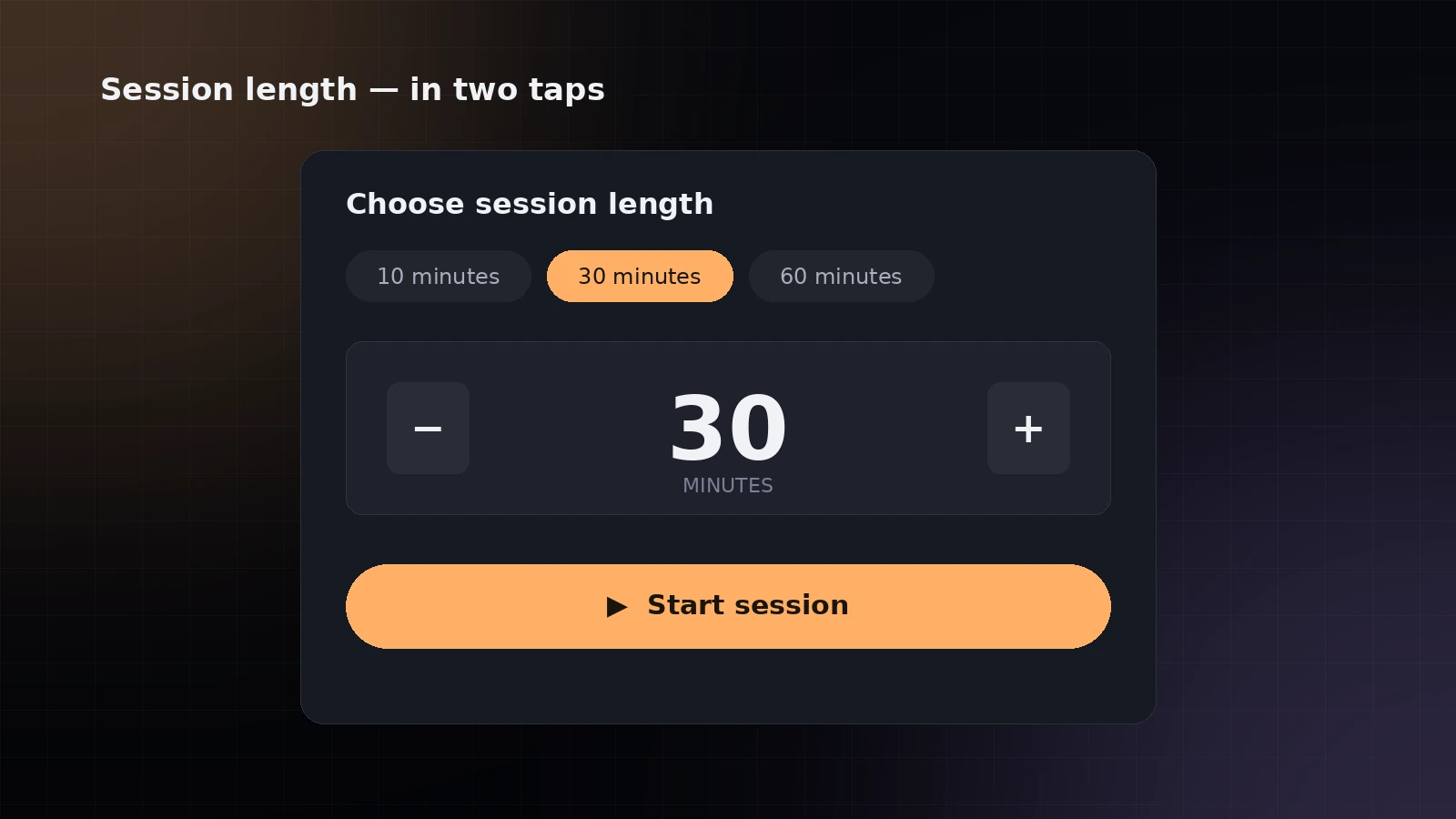
The operator sets the session in two taps: 10, 30, 60 minutes or a custom interval with the arrows — whatever fits your ticket price.

Session length
04

Session timer

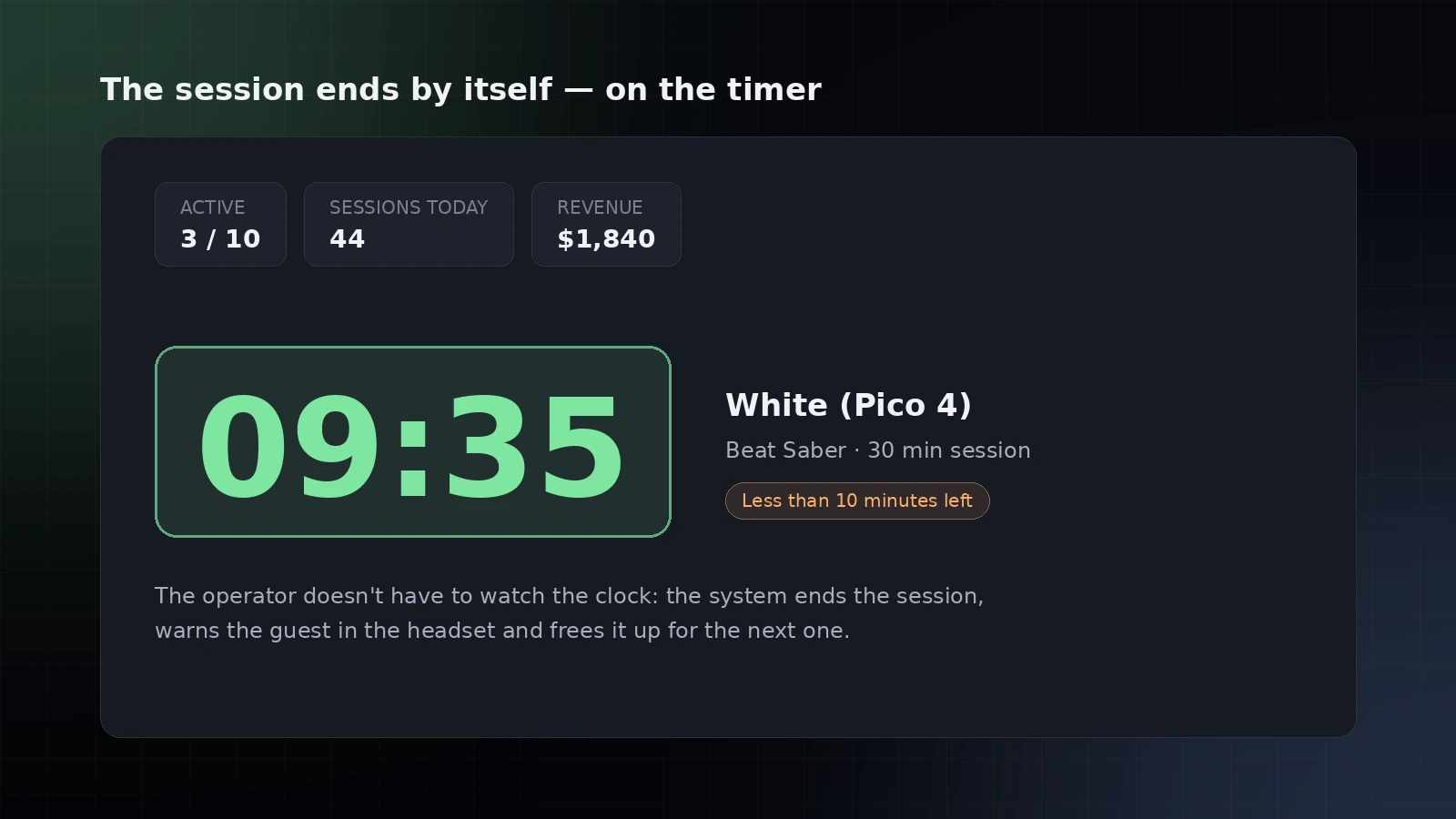
The session ends by itself when the paid time runs out — the operator does not have to watch the clock. Floor load and revenue are counted on the same panel.

Session timer
05 💬

Support on hand

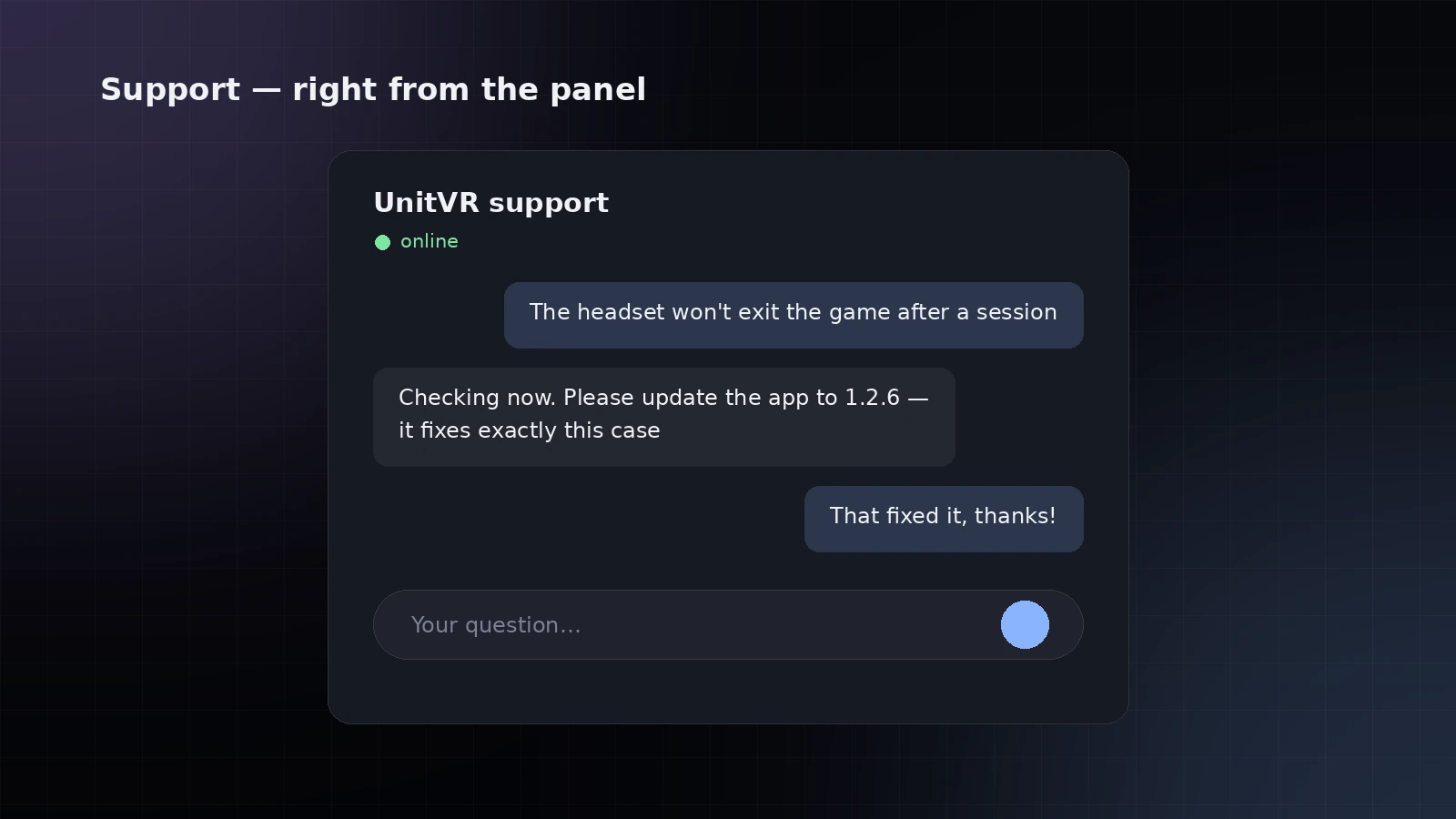
Reach our support in one tap straight from the operator panel — no hunting for a phone number or writing into a separate messenger when something goes wrong mid-shift.

Support on hand
06 🎮

Game catalog

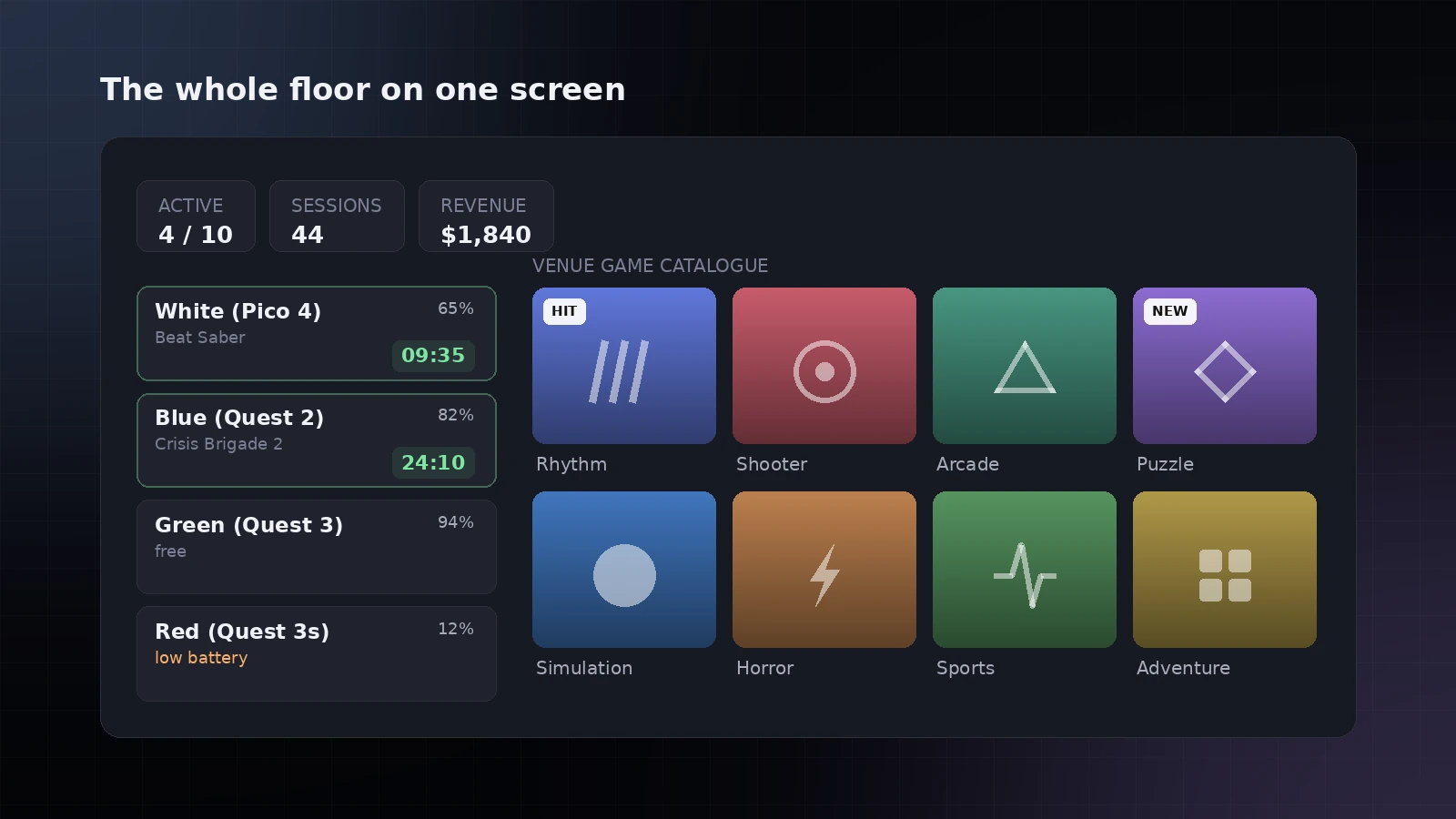
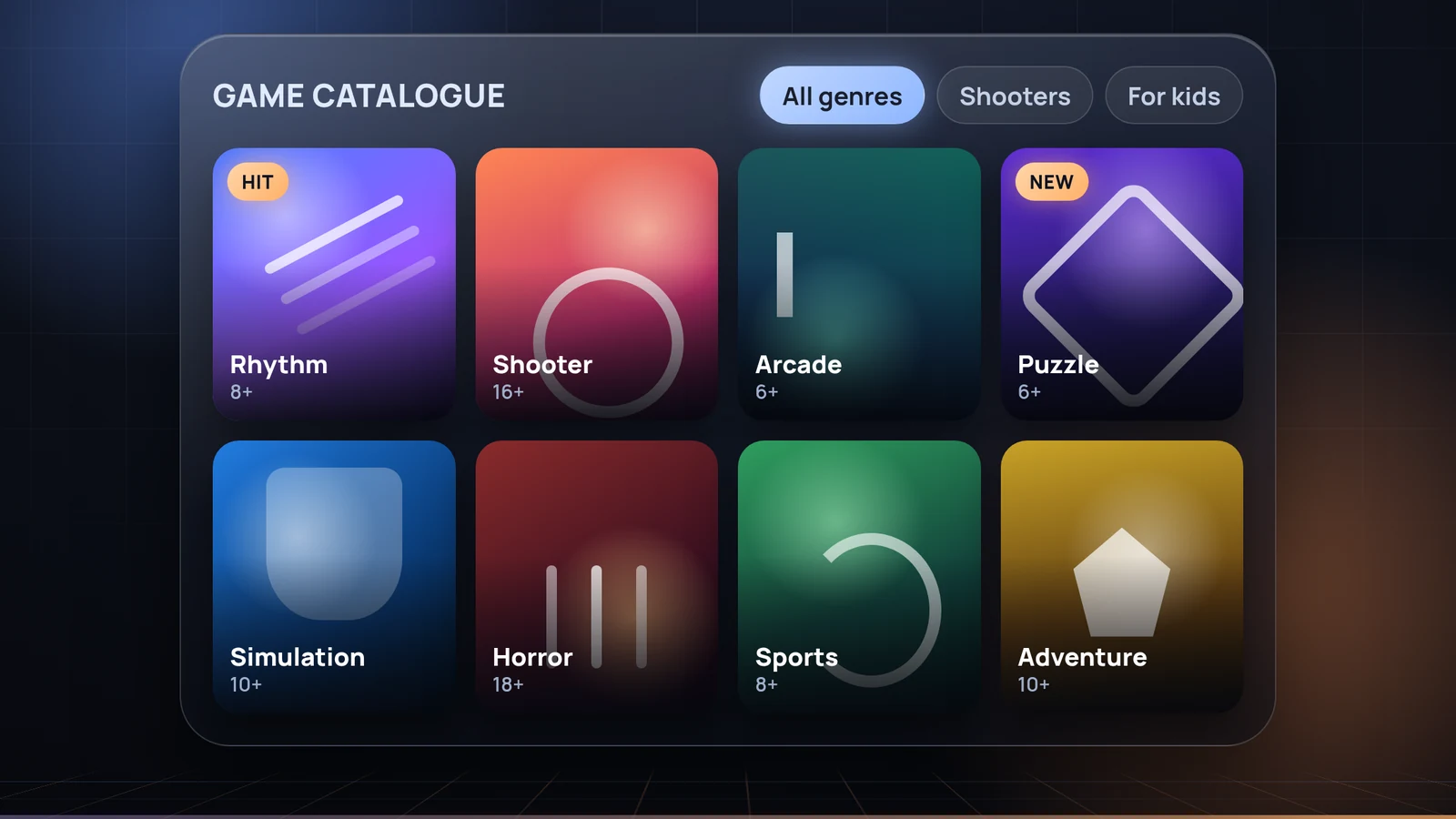
The whole library on one screen: cover art, genres, age ratings, descriptions and trailers. The guest browses and picks a game themselves — the operator does not have to recite the list.

Game catalog
07 📺

Live view

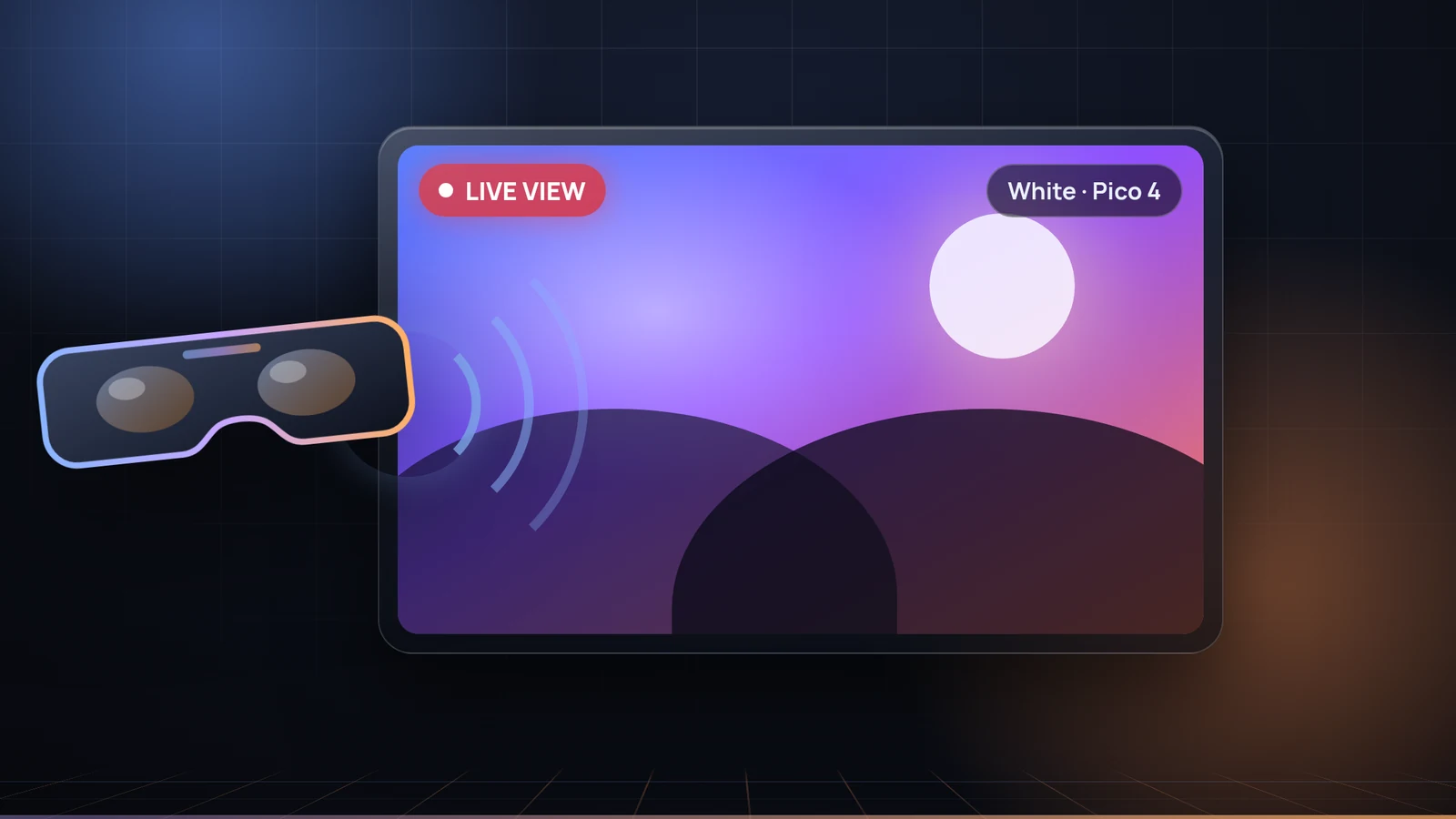
The headset view on the operator's tablet, laptop or PC for control without walking into the hall, and on the room TV or projector as part of the show. You see what the guest sees without putting on a second headset.

Live view
08 🔊

Voice guidance

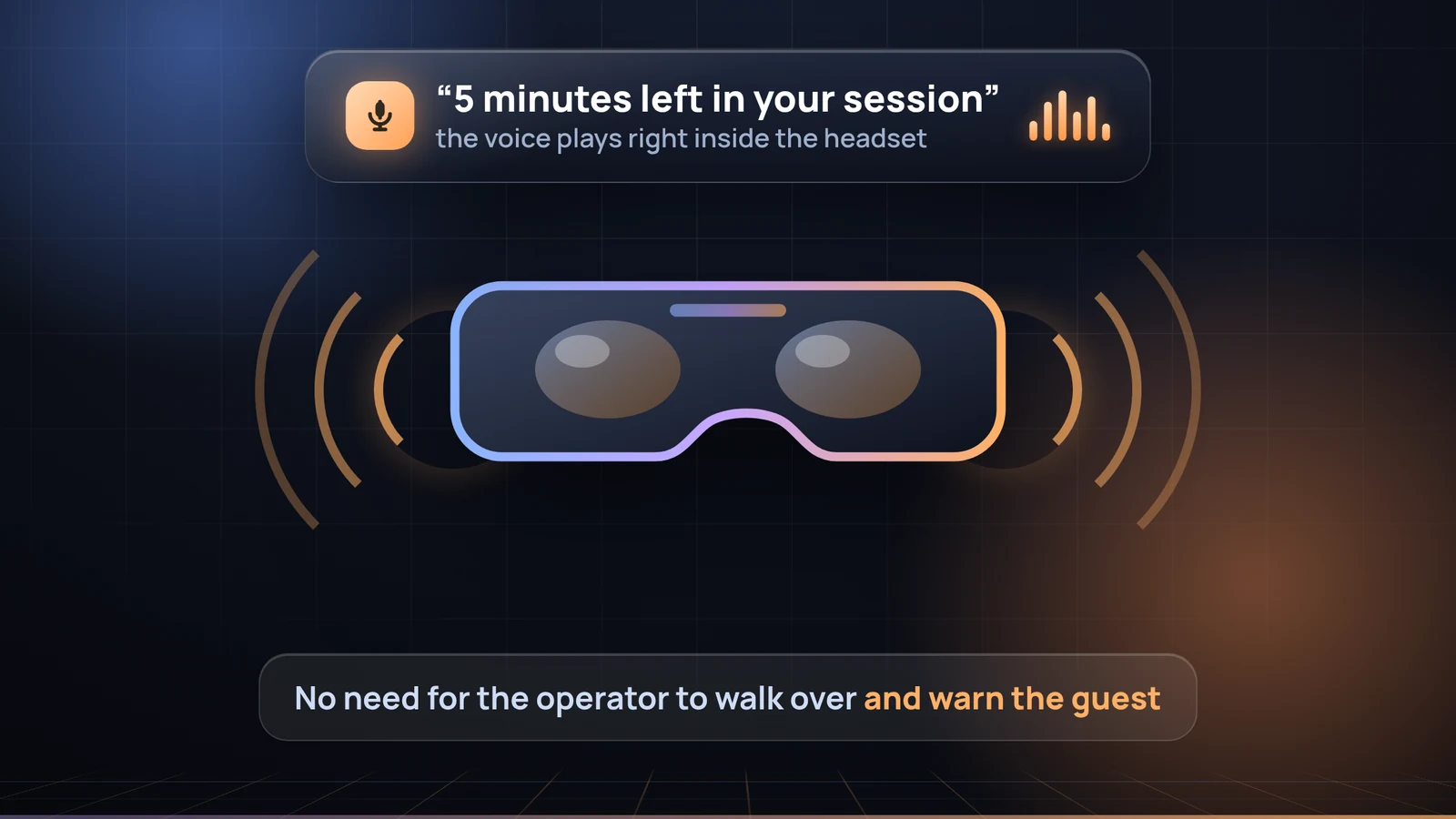
A voice inside the headset tells the guest what is happening: session started, game paused, three minutes left, time is up. The operator hears what matters even when looking the other way: last minute, game failed to start, headset asleep or off the network. Every cue can be switched off separately, and no internet is needed during play.

Voice guidance
09 📊

Venue statistics

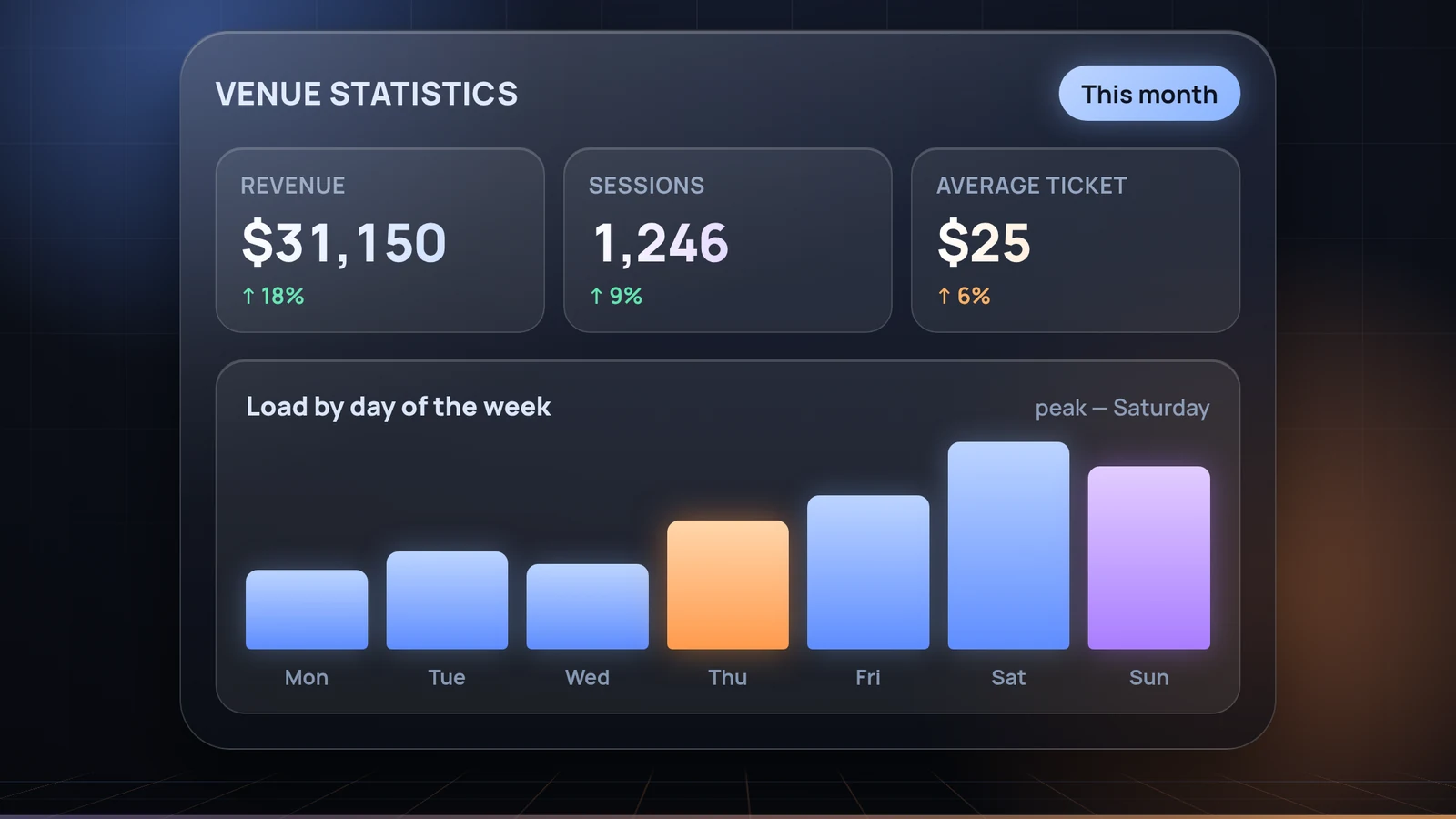
Revenue, session count, average ticket and popular games — by day, week and hour. For each headset you see how long it worked and how much it earned: it is immediately clear which pays off and which sits idle.

Venue statistics
02 FAQ

Short answers

The operator panel opens in a browser on a tablet, laptop or PC — it shows every headset on the floor and launches games. The UnitVR app runs on the headset itself; you never have to put it on to control it.

Yes. The operator sets the session length — 10, 30, 60 minutes or a custom interval — and the session ends by itself when the paid time is over. Without a paid session the headset will not launch games.

You pick the game in the catalog on the tablet and launch it on the chosen headset with one tap. The library is collected from the headsets automatically.

Live view is switched on from the same panel: the picture from the headset goes to the operator's tablet or laptop and to the room TV or projector.

Yes, the principle is the same: one control screen for the whole floor, paid time, automatic session end.

Pico 4, Oculus Quest 2 (renamed Meta Quest 2 after the rebrand), Meta Quest 3 and Meta Quest 3S. The app is installed once and updates itself afterwards.

03 Records

CRM for a VR arcade: sessions, shifts and revenue

CRM for a VR arcade is not a contact card index — it is a record of what actually earns: every session, with its rate, its time and the games launched, is written down automatically, without a notebook or a spreadsheet at closing. The operator looks after guests; the data collects itself.

In the owner account that becomes revenue for the day and for any period, average ticket, load by day and hour, a report per headset and an export of every session to Excel — for the till and for your accountant. A separate section lists where revenue usually leaks: time typed in by hand, zero-price sessions, sessions cut short and emergency unlocks.

People are in the system too: operators are added with a PIN, a shift is opened on the tablet, and each session is credited to whoever ran it. The report per person shows revenue, hours on shift and session count. An evening summary and alerts arrive in Telegram, and several venues are run from one account.

Try it 7 days free

Every feature and every add-on, up to 20 headsets, no card required. The paid plan is switched on manually — nothing is ever charged automatically.

Then $13 per headset per month